Showing posts with label configuration. Show all posts

May 13, 2011

Using the Pipe

 It is the output modifier. This pipe ( | ) allow us to wade through all the configurations or other long out puts & get straight to our goods fast.

Arman#sh run | ?
Append Append redirected out put to URL ( URLs supporting append operation only )
Begin Begin with the line that matches.


May 7, 2011

Setting up SSH

Which creates a more secure session than the Telnet app that use an uncrypted data stream.
Here are the steps to setting up SSH:
1. Set your host name:
Router(config)#host name Rezakhani


2. Set the domain name (both the host name & domain name are required for the encryption keys to be generated) :
Rezakhani(config)# ip domain -name ArmanRezakhani.com

3. Generate the encryption keys for security the session:
 Rezakhani(config)# crypto key generate rsa  general -keys modulus ?
<360-2048> size of the key modulus [360-2048]
Rezakhani(config)# crypto key generate rsa general -keys modulus 1024


- The name for keys will be Rezakhani.ArmanRezakhani.com
- % The key modulus size is 1024 bits

Do command

** Beginning with IOS version 12.3
  • Cisco has finally added a command to the IOS that always you to view the configuration & statics from within configuration mode.
 ** In fact with a pre -12.3 router,

  • you'd get the following error if you tried to view the configuration from global - Config
you see:

Router (config)# sh run

             ^
% invalid input detected at  ' ^ '  marker
  • Compare that to the output i got from entering that same command on my router that's running the 12.4 IOS
Enter configuration commands, one per line. End with CNTL/Z

May 2, 2011

نکاتی‌ در مورد امنیت شبکه (PERSIAN)


امنیت شبکه یکی‌ از مورد بسیار بسیار مهم می‌باشد که جا دارد به آن پرداخته شود.
وقتی‌ که از امنیت شبکه صحبت می‌کنیم شامل مورد بسیار زیادی میشود که هر کدام از آنها به تنهای میتواند مورد بحث قرار گیرد،همیشه در امنیت شبکه موضوی که بسیار اهمیت دارد لایه‌های دفأعی یک شبکه می‌باشد، باید یاد آوری کرد که اولین لایه دفأعی در امنیت شبکه و حتا امنیت فیزیکی‌ وجود یک ساختار و خط مشی‌ (policy) می‌باشد که بدون آن ،لیست کنترل ، فایروال و هر لایه دیگری بدون معنی می‌باشد دقیقا مثل ساختمانی می‌باشد که پایه ندارد !

Apr 24, 2011

Router Interface Configuration

* IP addresses  *Media Type  * Bandwidth  * Other administrative commands


Cisco 2522
  • Cisco 2522 has 10 serial:  
Router (config)# int Serial?
<0-9> serial interface number

The 2522 router has one Ethernet 10baset port; Router (config)# int ethernet ?
<0-0> Ethernet interface number
Router (config)# int ethernet 0
Router (config-if)#

Apr 23, 2011

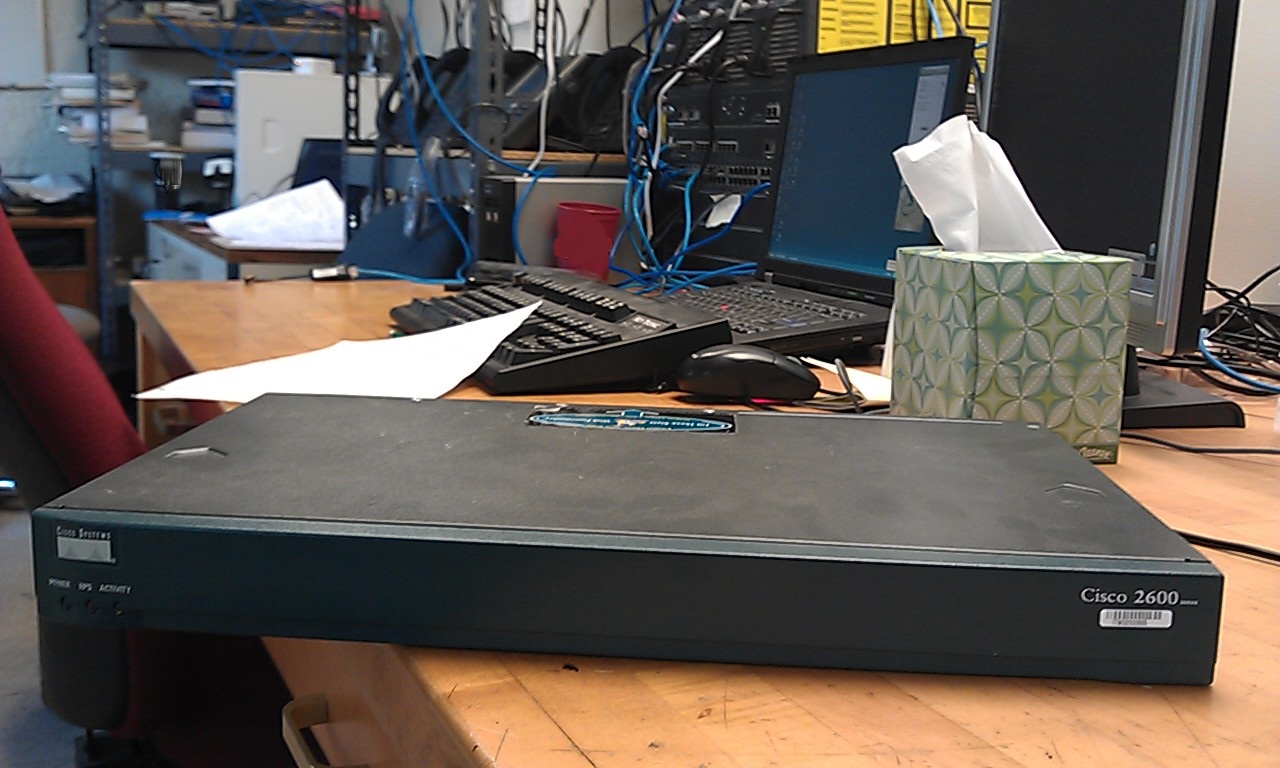
the Router

Connecting to the Router
We have three ways:
  1. Auxiliary Port / Phone line 
  2. Console Port / Rj-45 / Console Cable or Console cable-rollover
  3. Telnet /  (USER MODE) ip net - 10Baset t
Cisco Router Components 
  1. Bootstrap: boot the router & then load the IOS.    [Microcode of the Rom]
  2. POST (Power On Self Test): check the basic functionality of the router hard ware.    [Microcode of the Rom]
  3. Rom monitor: testing & troubleshooting.    [Microcode of the Rom]
  4. Mini-IOS (Rx-boot / boot-loader): small IOS in Rom. load a Cisco IOS into flash memory.
  5. RAM:  hold packet buffers, ARP cache, routing table.
  6. ROM: star & main tent the router.
  7. Flash memory: hold the Cisco IOS, NOT erased when the routers is reloaded, it is EEPROM.
  8. NVRAM: hold the router & switch configuration.
Cisco Router 
Summary:
  • Basic IOS: ROM
  • Boot strap: ROM
  • Diagnestics: ROM
  • Current IOS: Flash
  • Start up configuration: NVRAM
  • Running configuration: RAM